Pose Ninja
A downloadable game for Windows and macOS
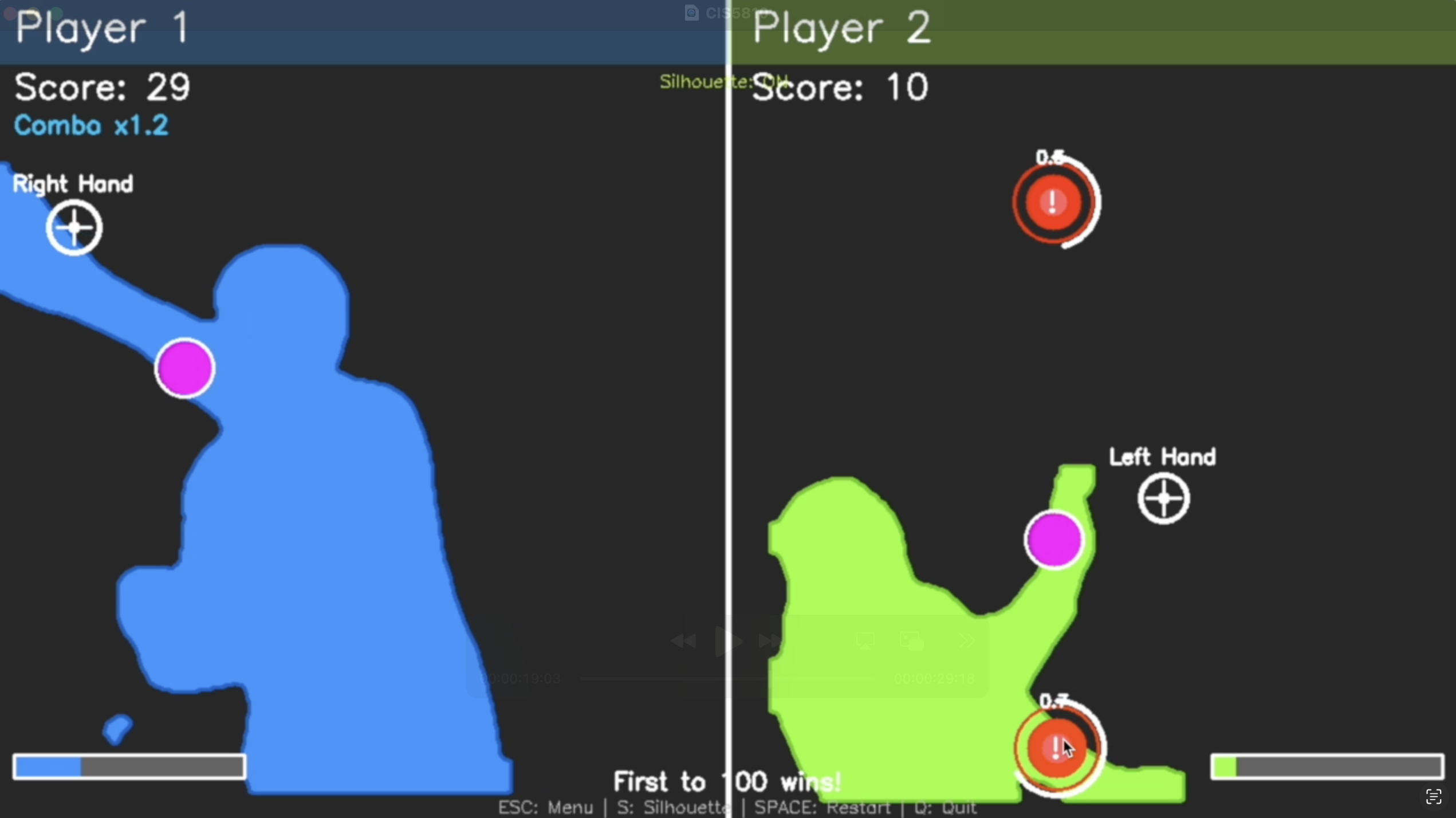
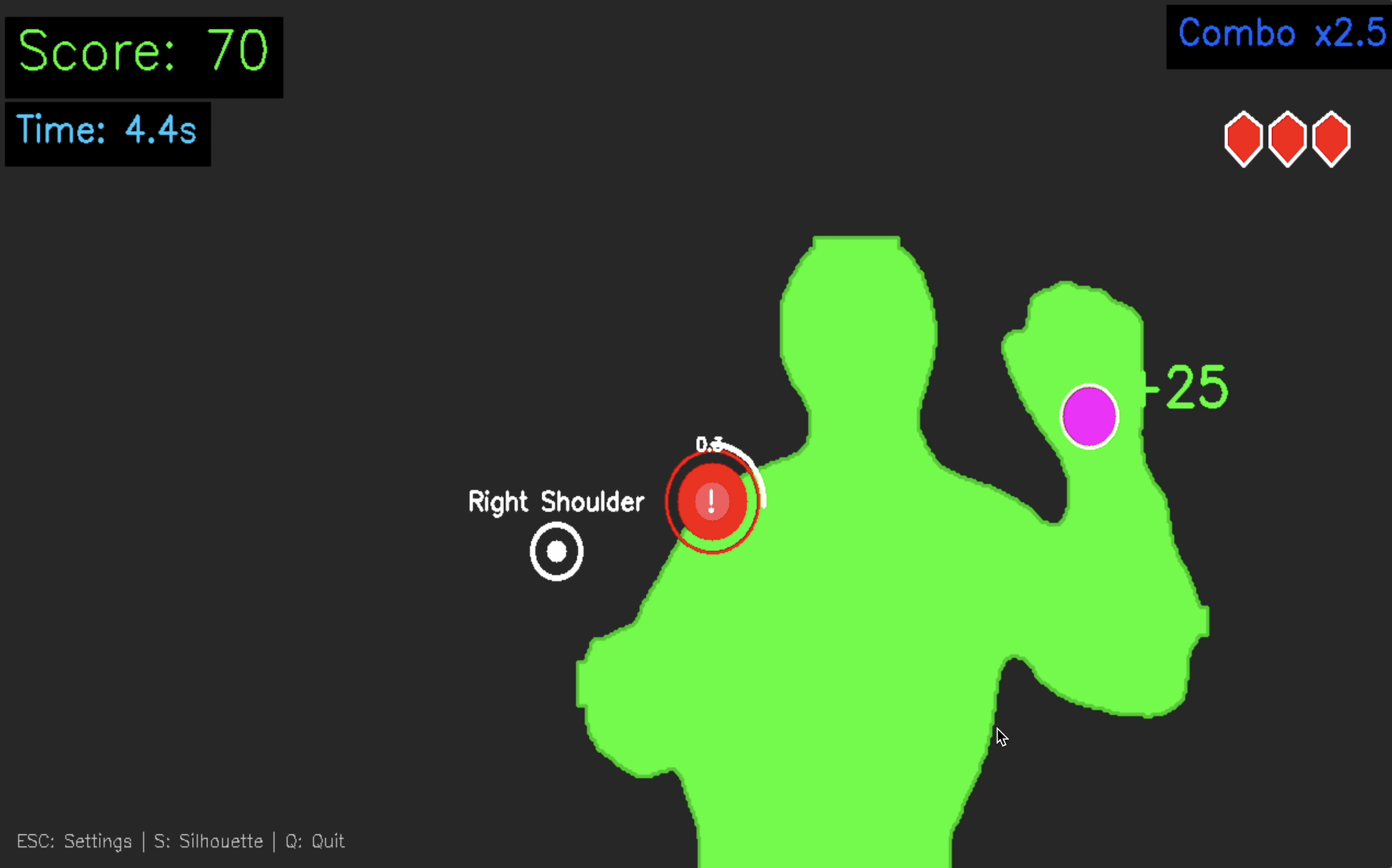
Turn your body into the controller in this fast-paced, Fruit-Ninja-inspired action game! Using real-time computer vision, slash targets out of the air, and duck and leap to avoid bombs. It can be played in single-player or 1v1 split-screen.
Perfect for quick play sessions, parties, or just burning off some energy. This game blends physical movement with arcade-style intensity, and only requires a webcam.
Developed by Jaime Walter, Jay Katyan, and Kristian Prifti, originally as a final project for Computer Vision (CIS 5810) at the University of Pennsylvania (2025), and now released for everyone to play.
--------------
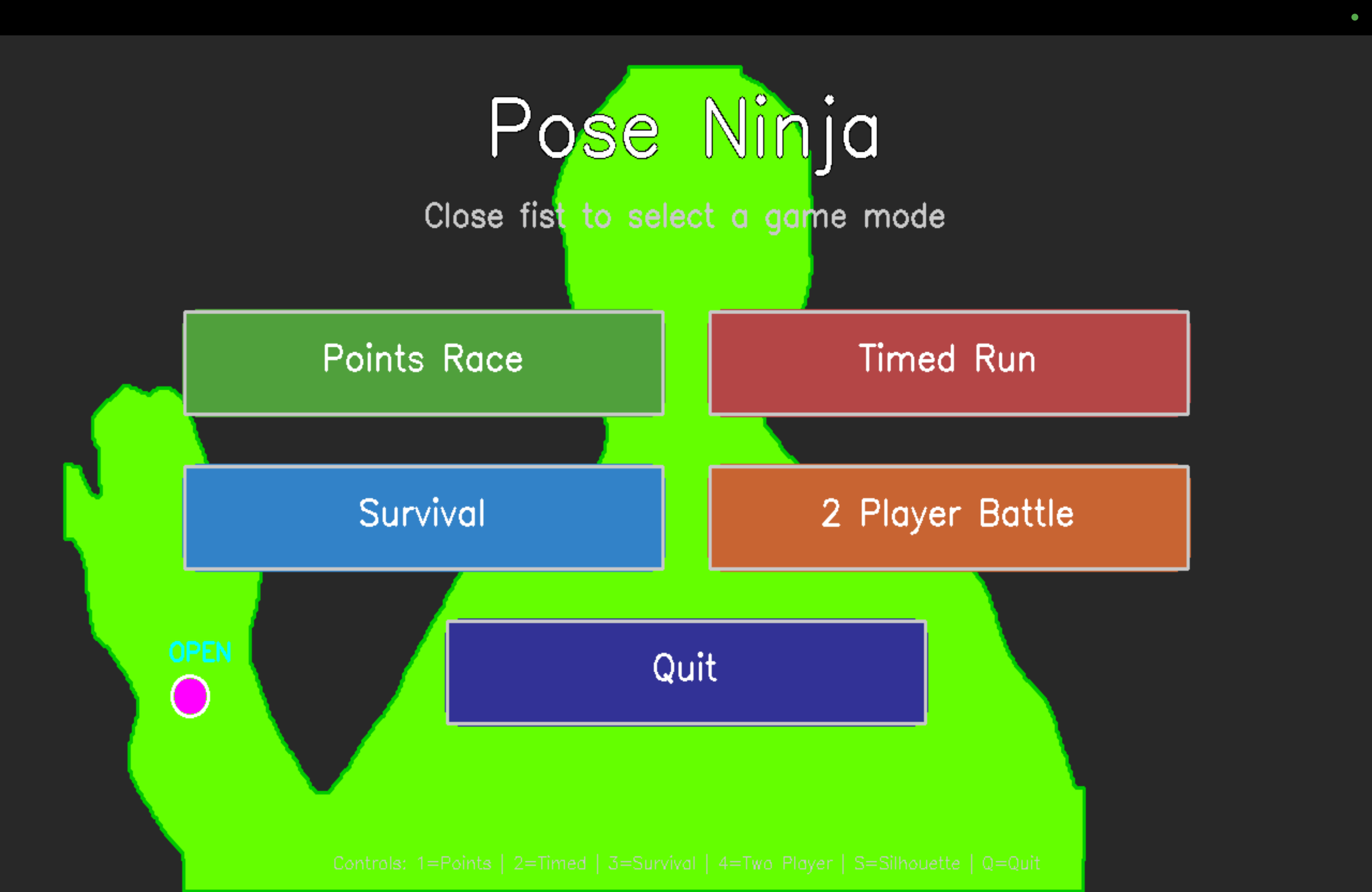
Instructions: Make sure to have a webcam. Select options in the menu by closing your fist. Whatever part of your body is highlighted in purple must touch the white target, while avoiding that any part of your body touches any of the red bombs.
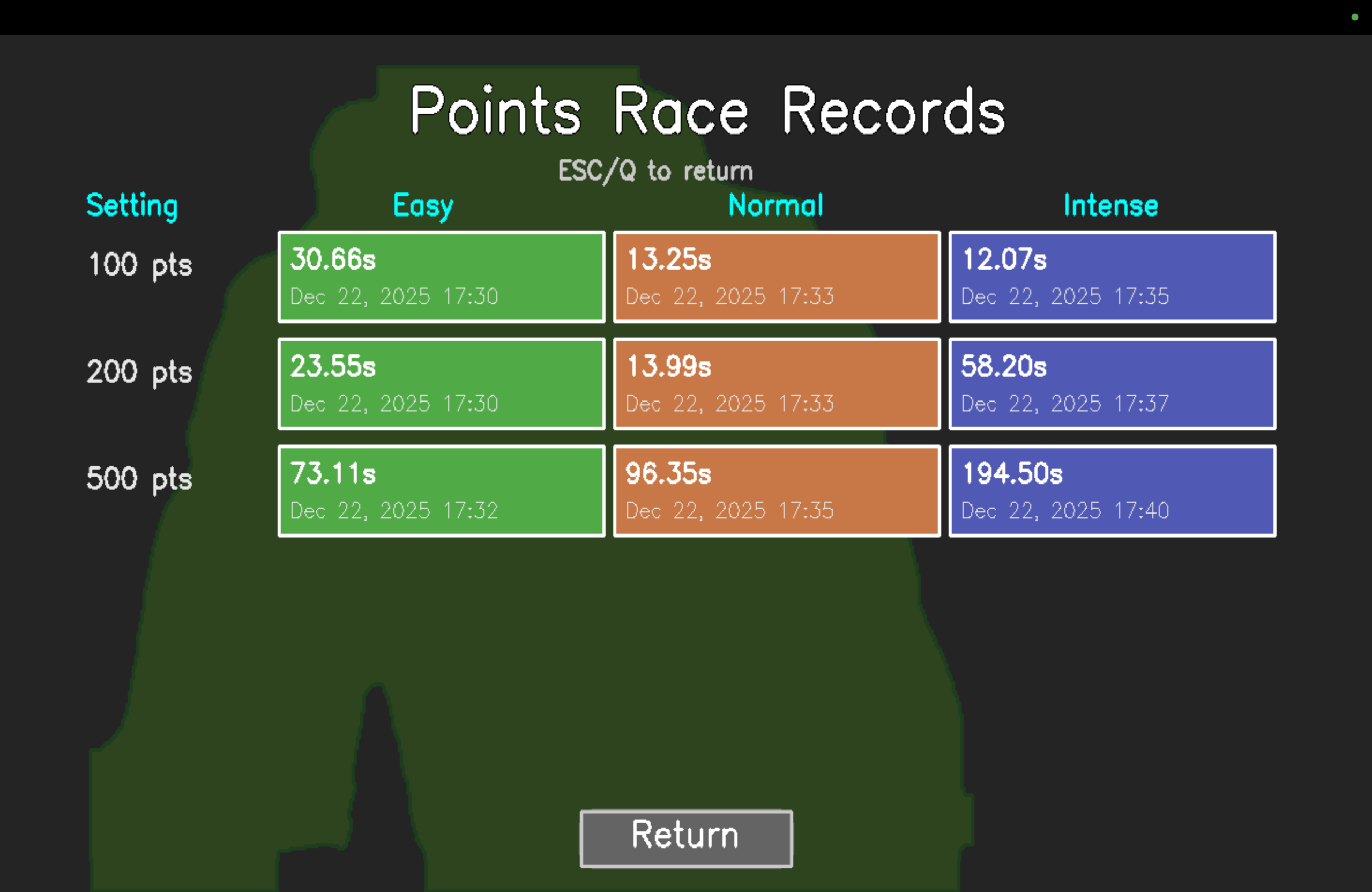
- Points Race consists of obtaining a specific amount of points as quick as possible.
- Timed Run consists of obtaining as many points as possible in a set time.
- Survival consists of obtaining as many points as possible before hitting a bomb.
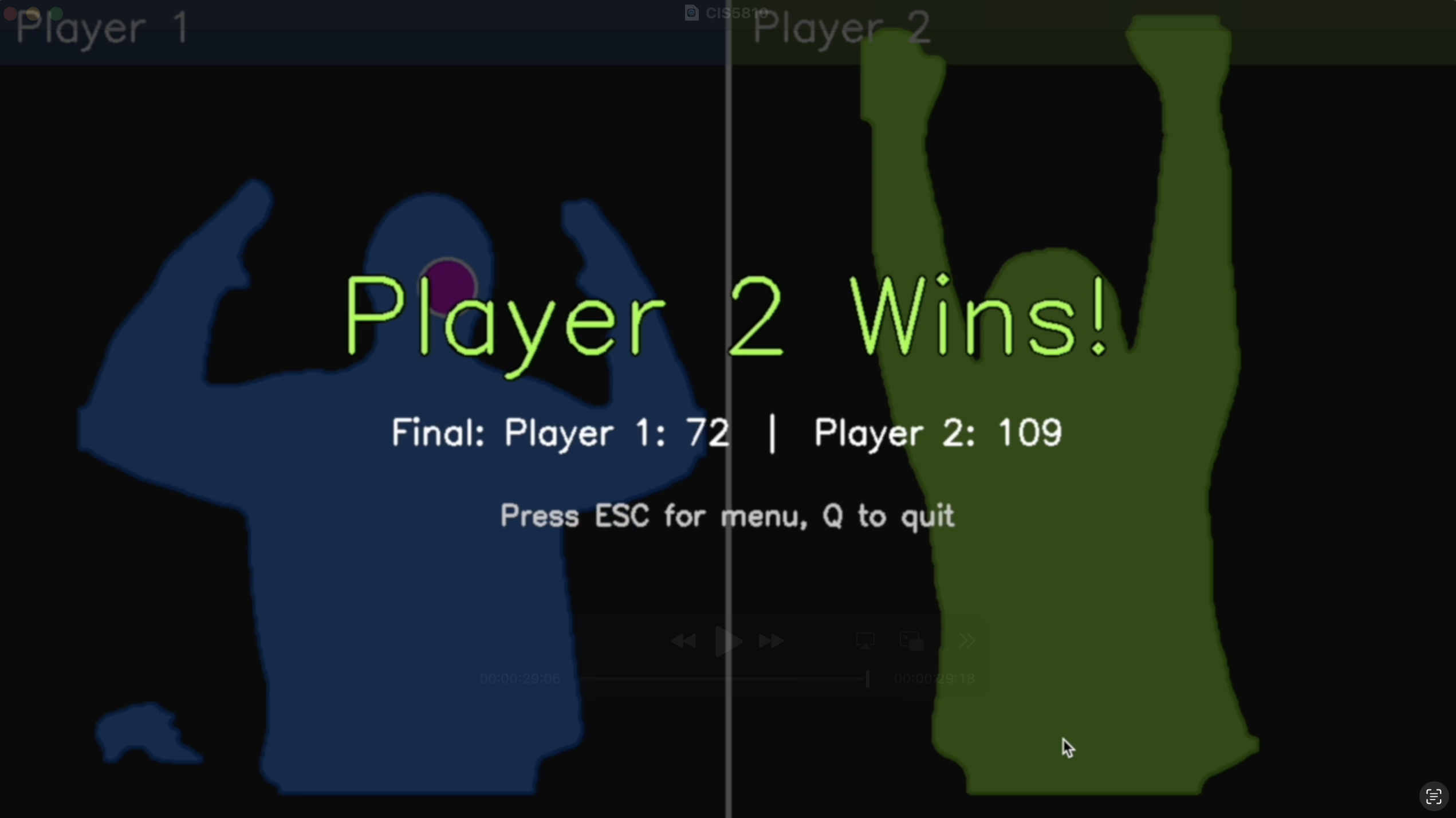
- 2 Player Battle is a split-screen 1v1 where two players race to obtain a set number of points.
Note: music is from Geometry Dash (no copyright)
Download
Install instructions
For MacOS, install the DMG file provided and run it. Then drag the game icon to the Applications folder. Open the game once, and it will ask you for permission to use the webcam. Then open the game again and it should work.
For Windows, install the Setup EXE file, and run it. It will install the game for you. Then you can delete PoseNinja-Setup.exe and run Pose Ninja, which is the game.